Settings
Edit
BG
Presets
FRAMES

None
Arc Light
Arc Dark
macOS Dark
macOS Light
Windows Dark
Windows Light

Photograph
DEVICE FRAMES
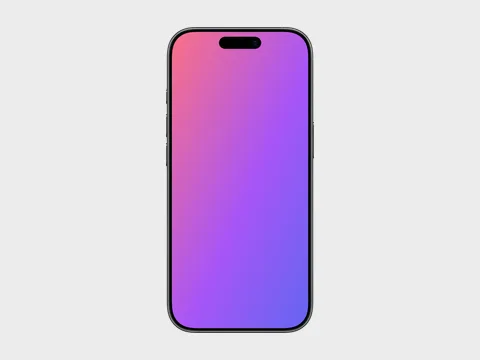
iPhone 17
iPhone 17 Pro
iPhone 17 Pro Max
iPhone Air
iPad Pro 11 (M5)
iPad Pro 13 (M5)
MacBook Air 13 (M5)
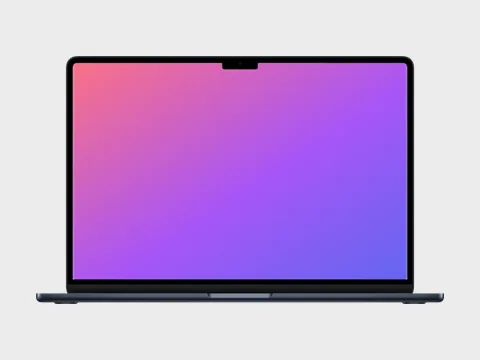
MacBook Air 15 (M5)
MacBook Pro 14 (M5)
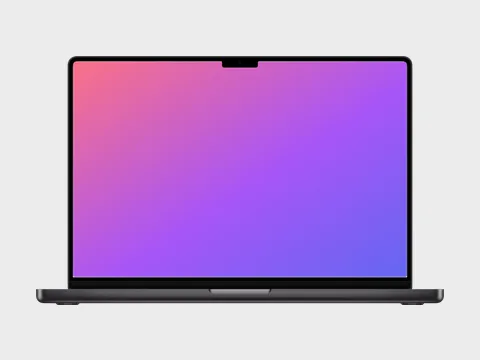
MacBook Pro 16 (M5)
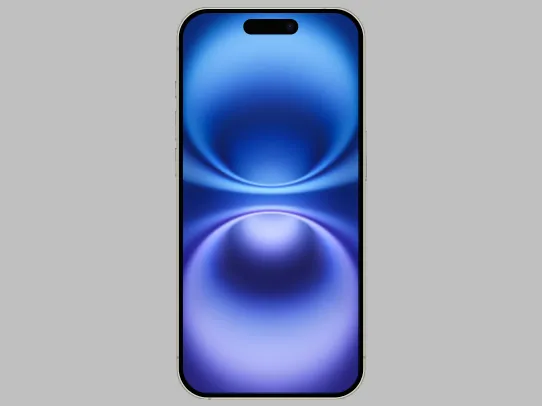
iPhone 16
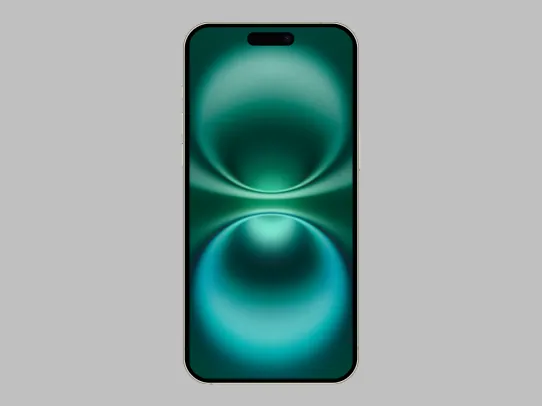
iPhone 16 Plus
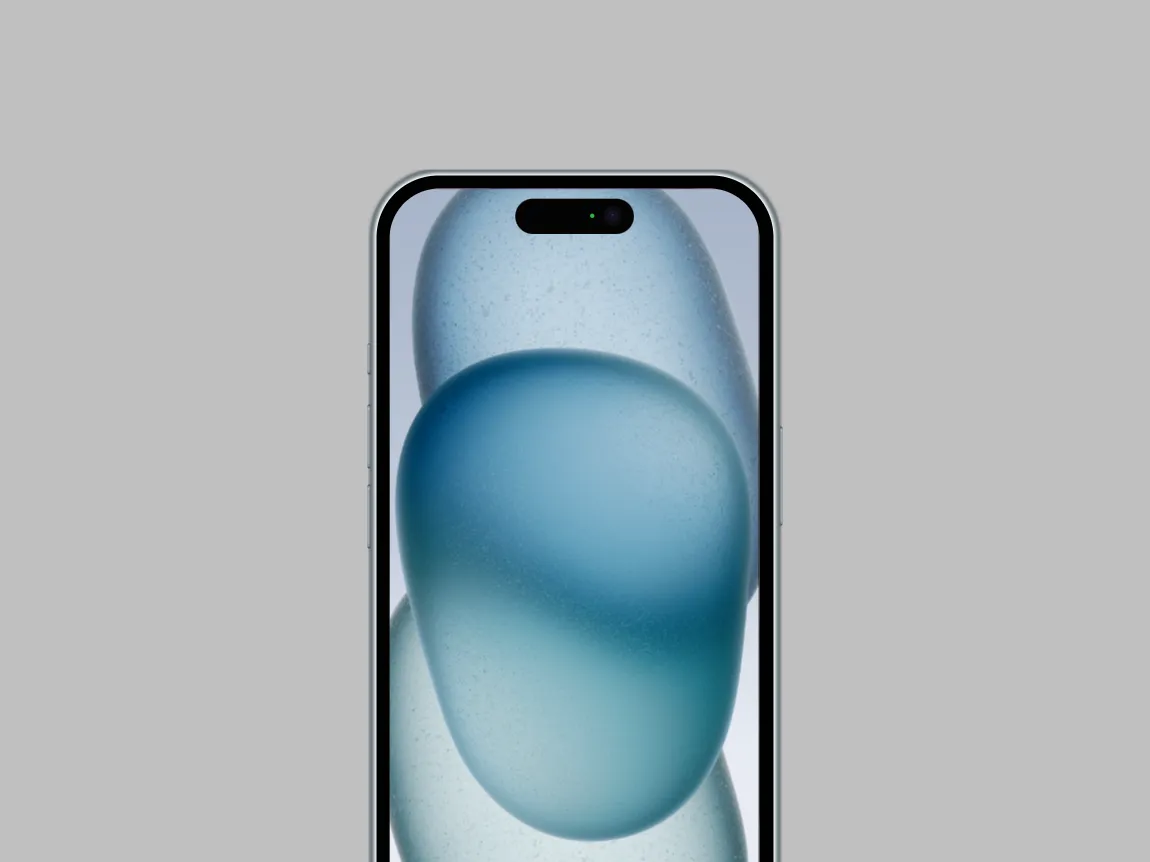
iPhone 15
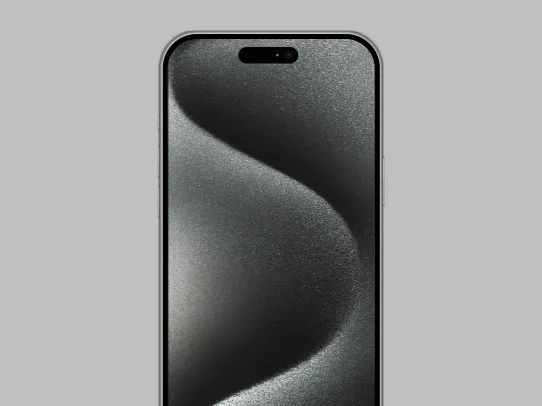
iPhone 15 Pro Max
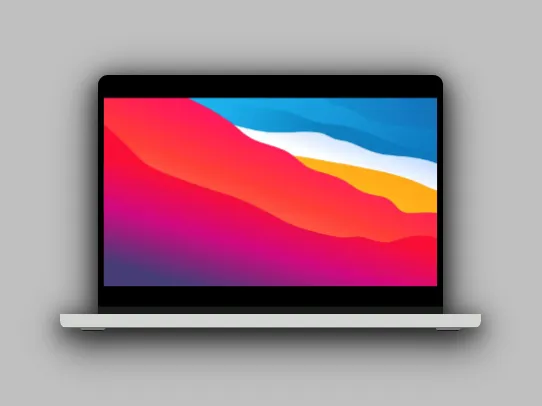
MacBook Pro 16
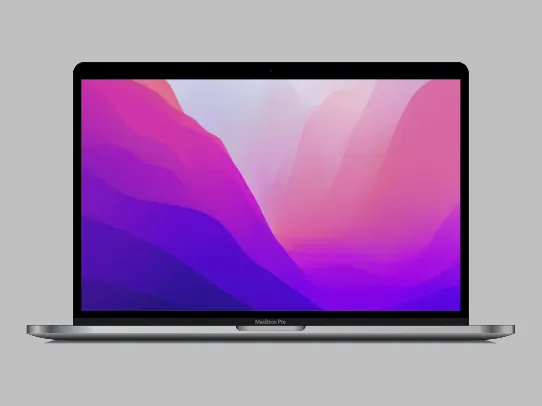
MacBook Pro 13
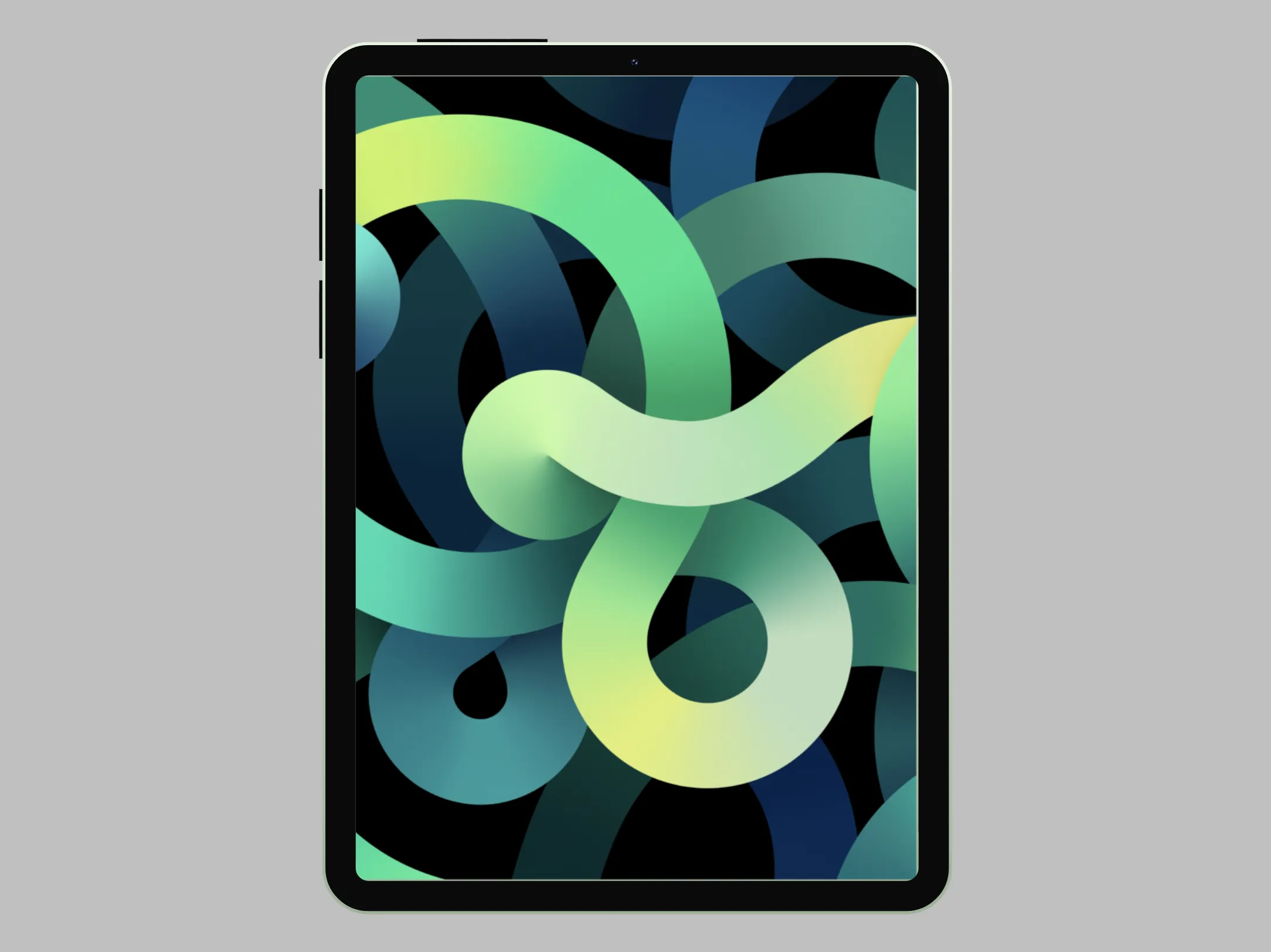
iPad Air
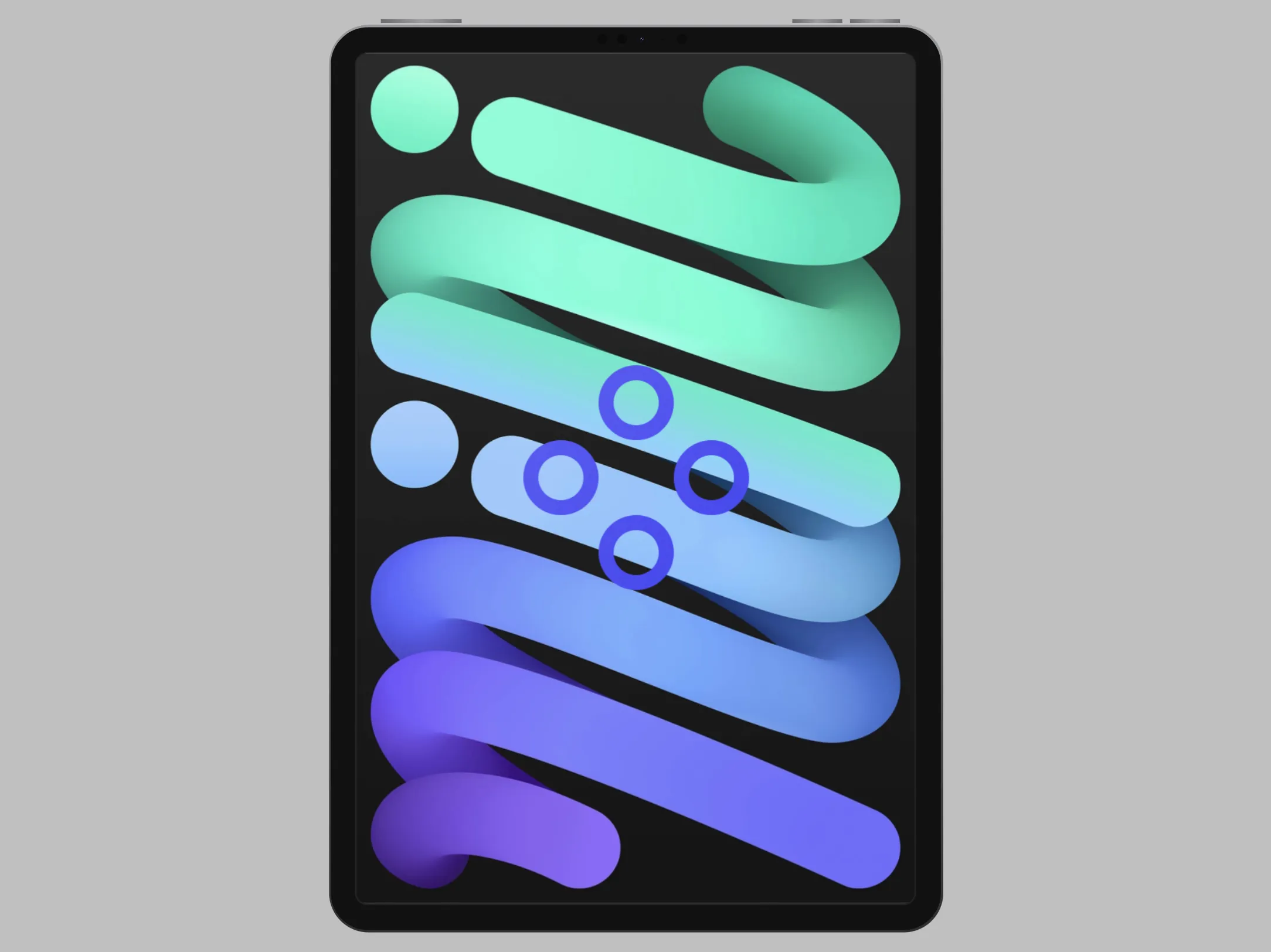
iPad Mini
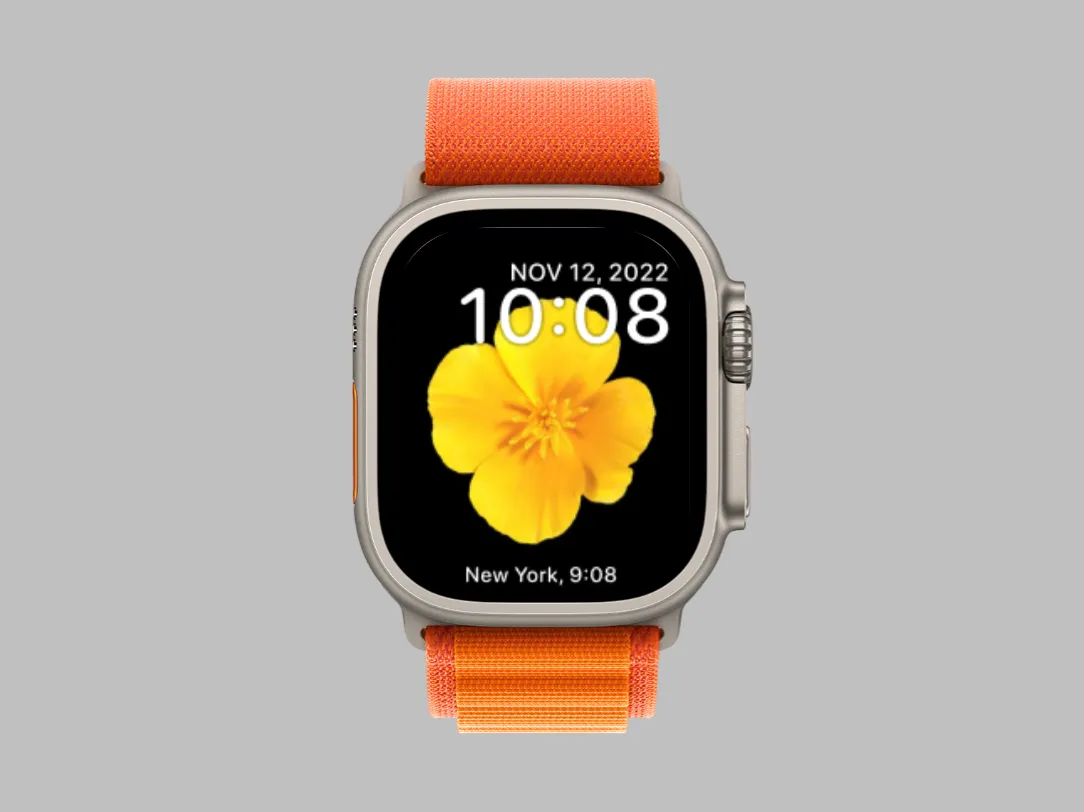
Apple Watch Ultra Orange
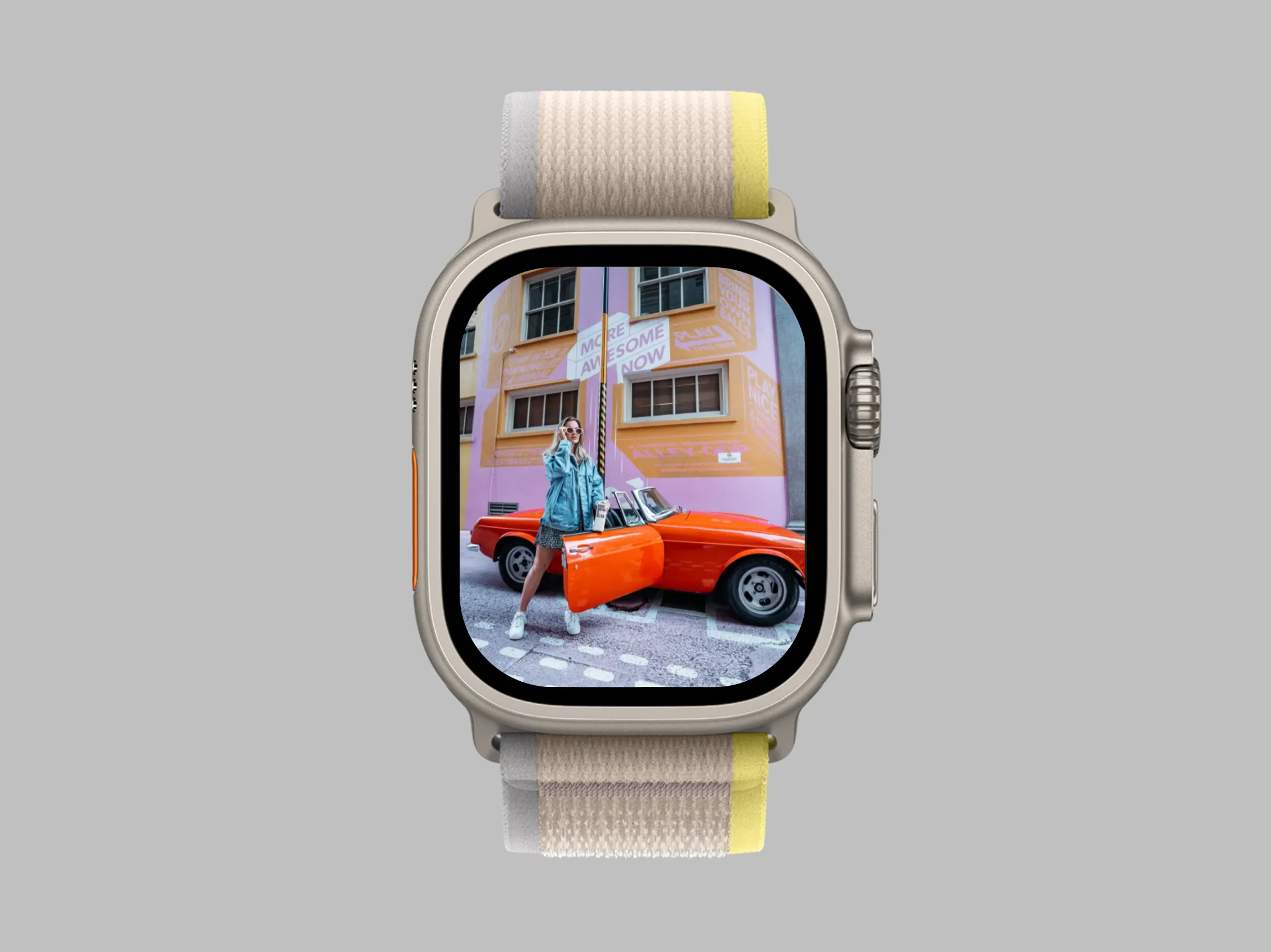
Apple Watch Ultra Yellow
TRANSFORMS
SHADOW
POSITION
MacBook Air 15 (M5) Mockup Generator — Big-Screen Laptop Frames Free
The 15-inch MacBook Air gives your UI room to breathe. Picbolt's MacBook Air 15 (M5) mockup generator wraps your screenshot in the thin-and-light big-screen laptop, ideal for web apps and dashboards with wide layouts.
Pick from Midnight, Silver, Sky Blue and Starlight, then style the scene with backgrounds, shadow spread and tilt. The screen area, notch and deck are measured from official-quality bezels, so the composite is pixel-accurate.
Export in PNG, JPEG, WebP or SVG at up to 4x resolution — drop the result straight into your landing page hero, changelog post or launch thread.
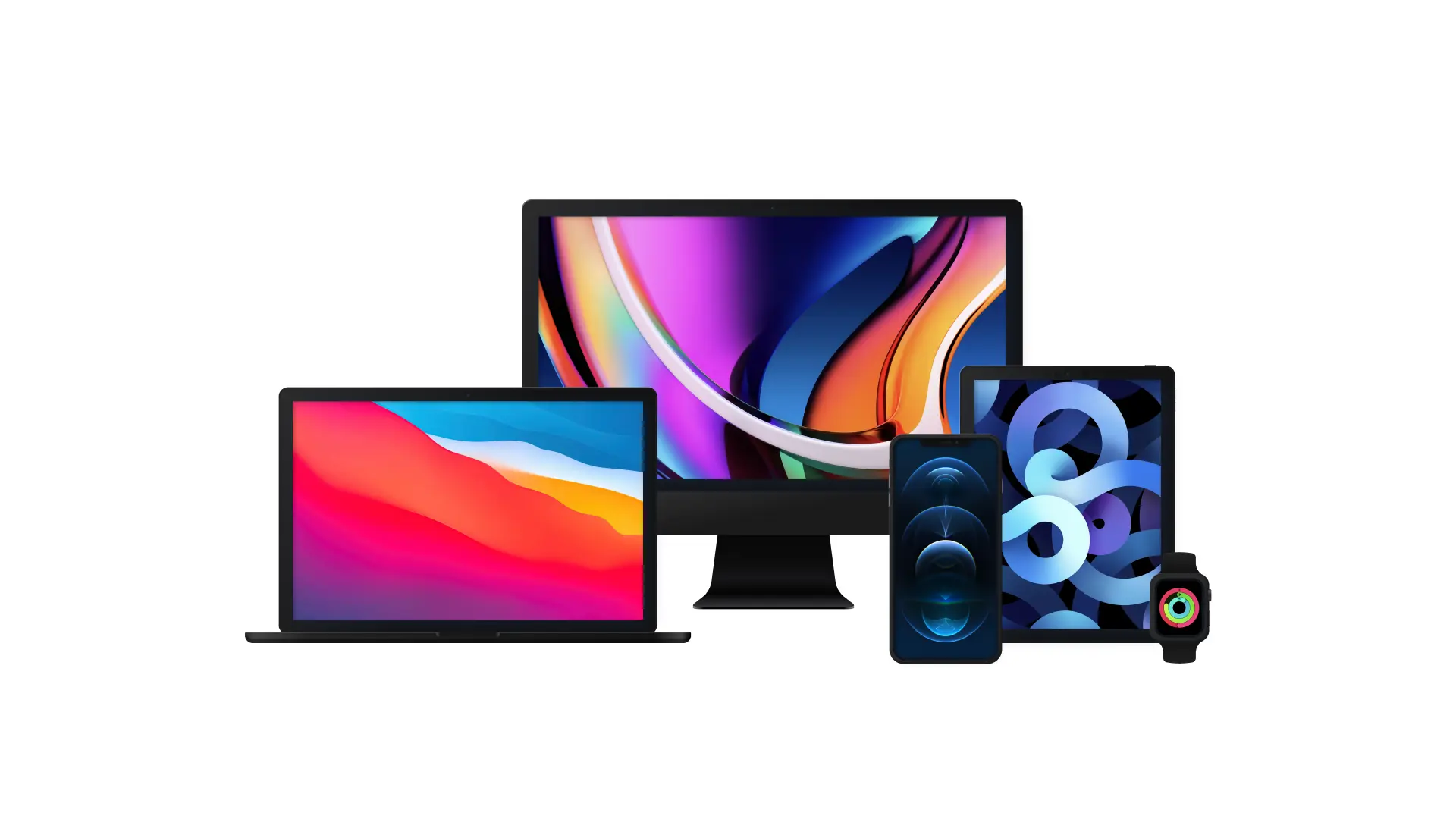
Create professional mockups in minutes with our easy-to-use interface. Simply upload your screenshots, customize the presentation, and export high-quality images ready for use in your marketing materials.
Watch our quick tutorial to see how easy it is to create stunning device mockups:
All device mockup templates
iPhone 17
iPhone 17 Pro
iPhone 17 Pro Max
iPhone Air
iPad Pro 11 (M5)
iPad Pro 13 (M5)
MacBook Air 13 (M5)
MacBook Air 15 (M5)
MacBook Pro 14 (M5)
MacBook Pro 16 (M5)
iPhone 16
iPhone 16 Plus
iPhone 15
iPhone 15 Pro Max
MacBook Pro 16
MacBook Pro 13
iPad Air
iPad Mini
Apple Watch Ultra Orange
Apple Watch Ultra Yellow