Settings
Edit
BG
Presets
FRAMES

None

Arc Light
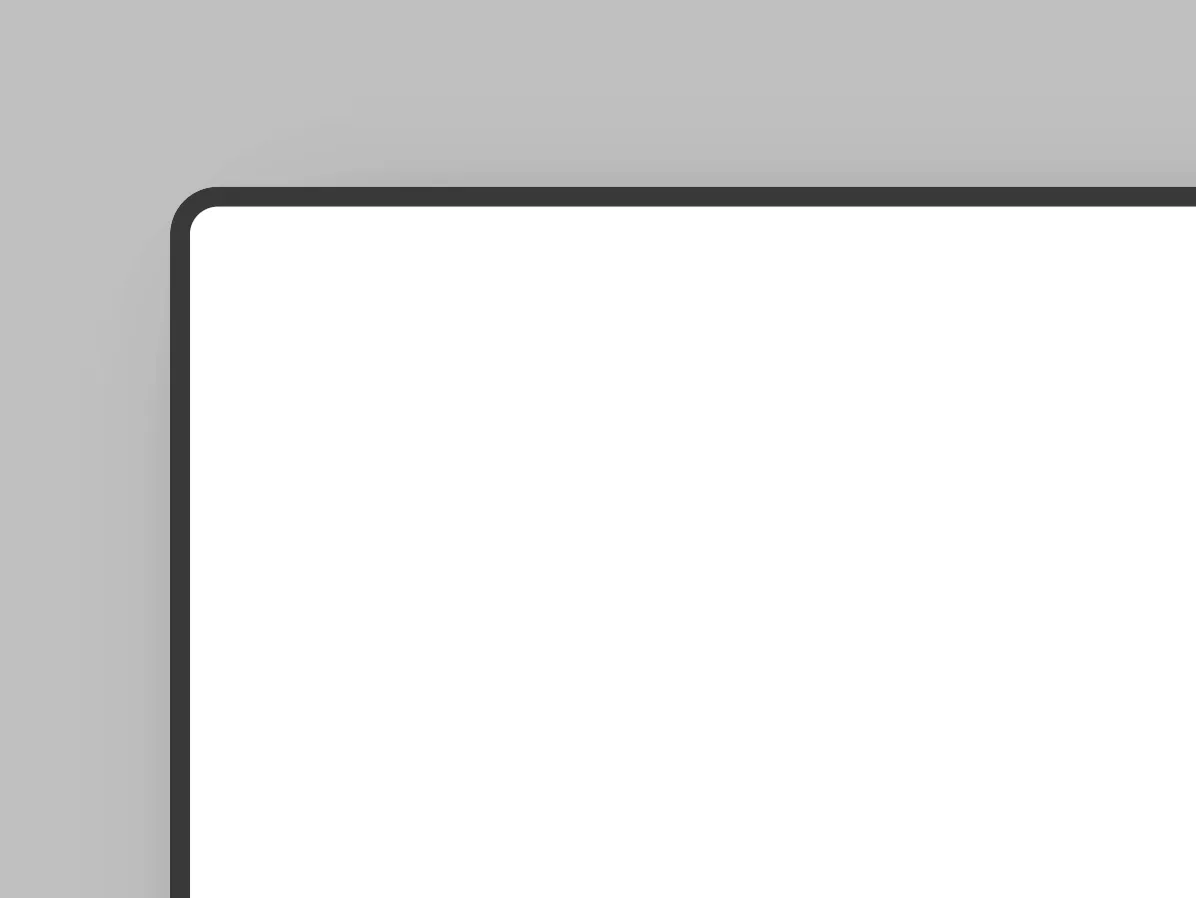
Arc Dark
macOS Dark
macOS Light
Windows Dark
Windows Light

Photograph
DEVICE FRAMES
iPhone 17
iPhone 17 Pro
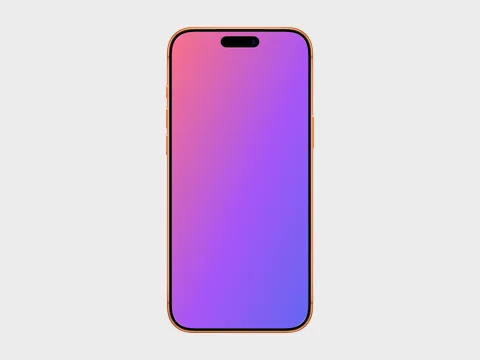
iPhone 17 Pro Max
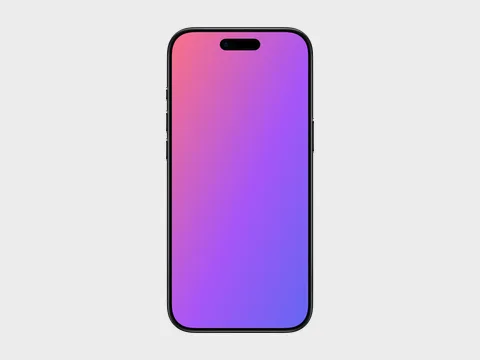
iPhone Air
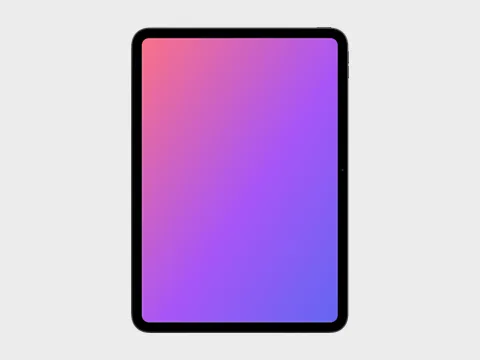
iPad Pro 11 (M5)
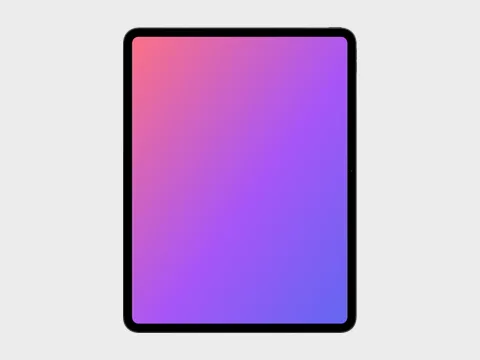
iPad Pro 13 (M5)
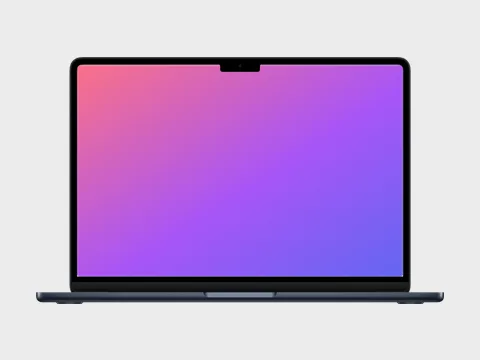
MacBook Air 13 (M5)
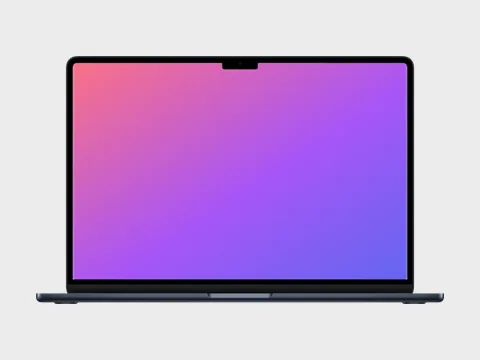
MacBook Air 15 (M5)
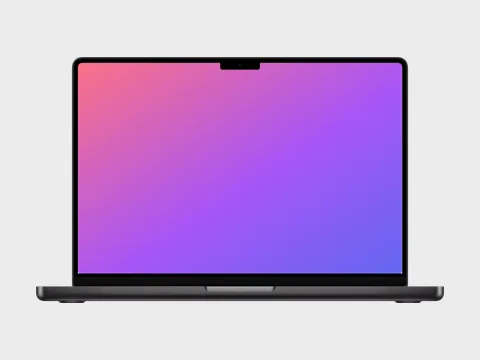
MacBook Pro 14 (M5)
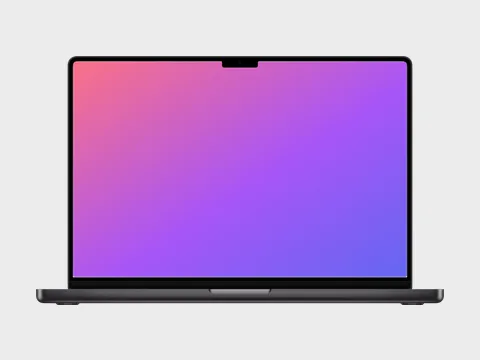
MacBook Pro 16 (M5)
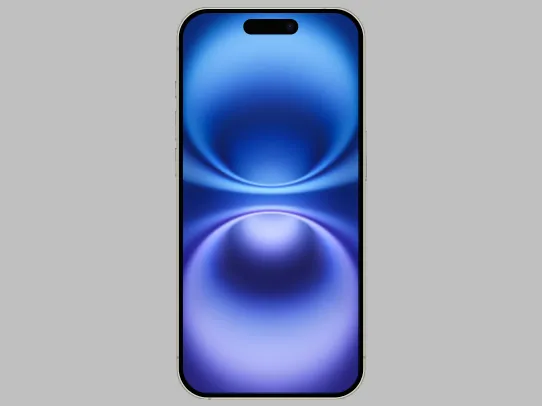
iPhone 16
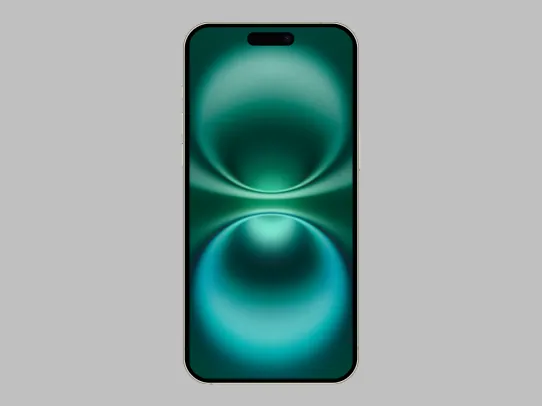
iPhone 16 Plus
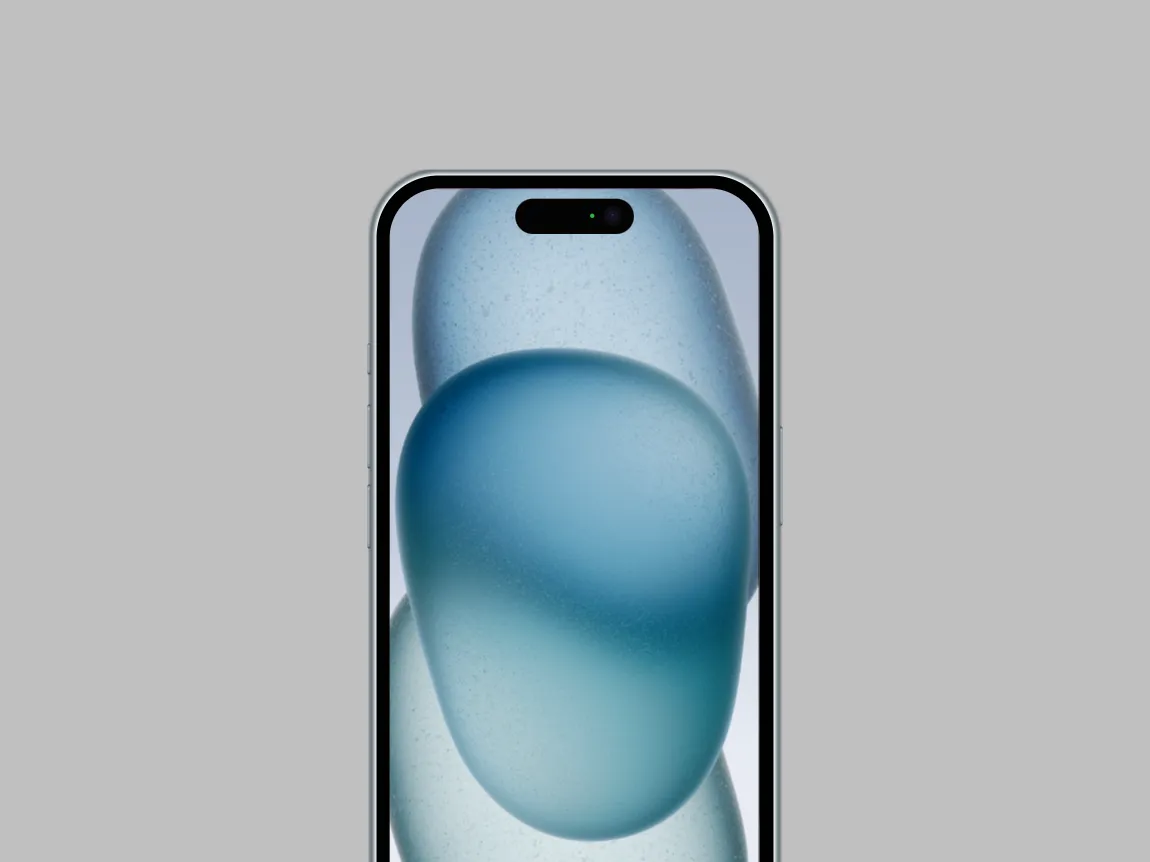
iPhone 15
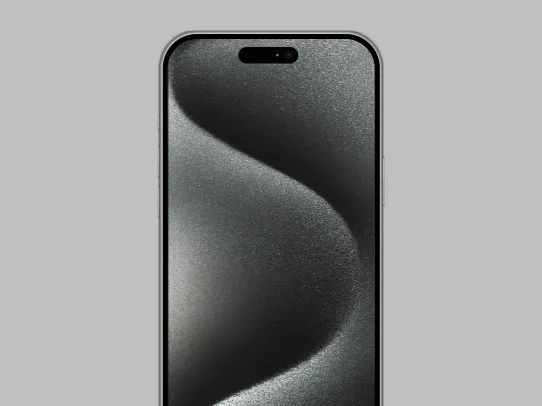
iPhone 15 Pro Max
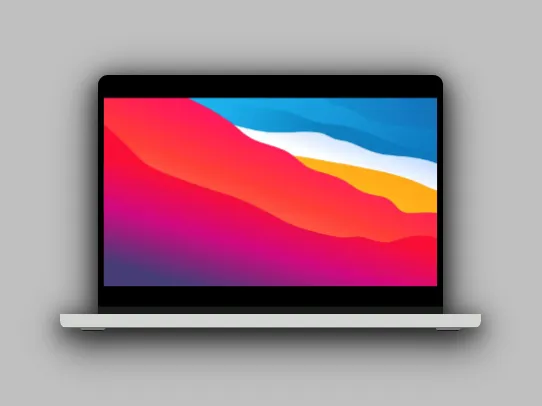
MacBook Pro 16
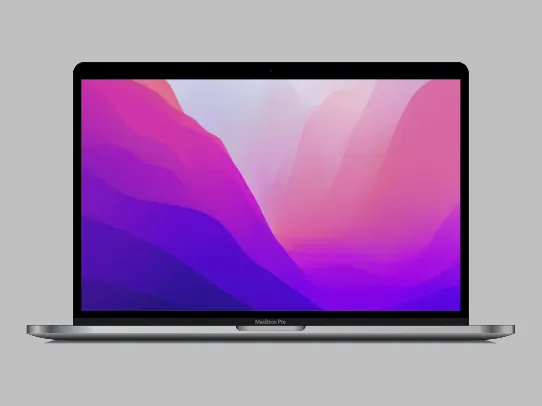
MacBook Pro 13
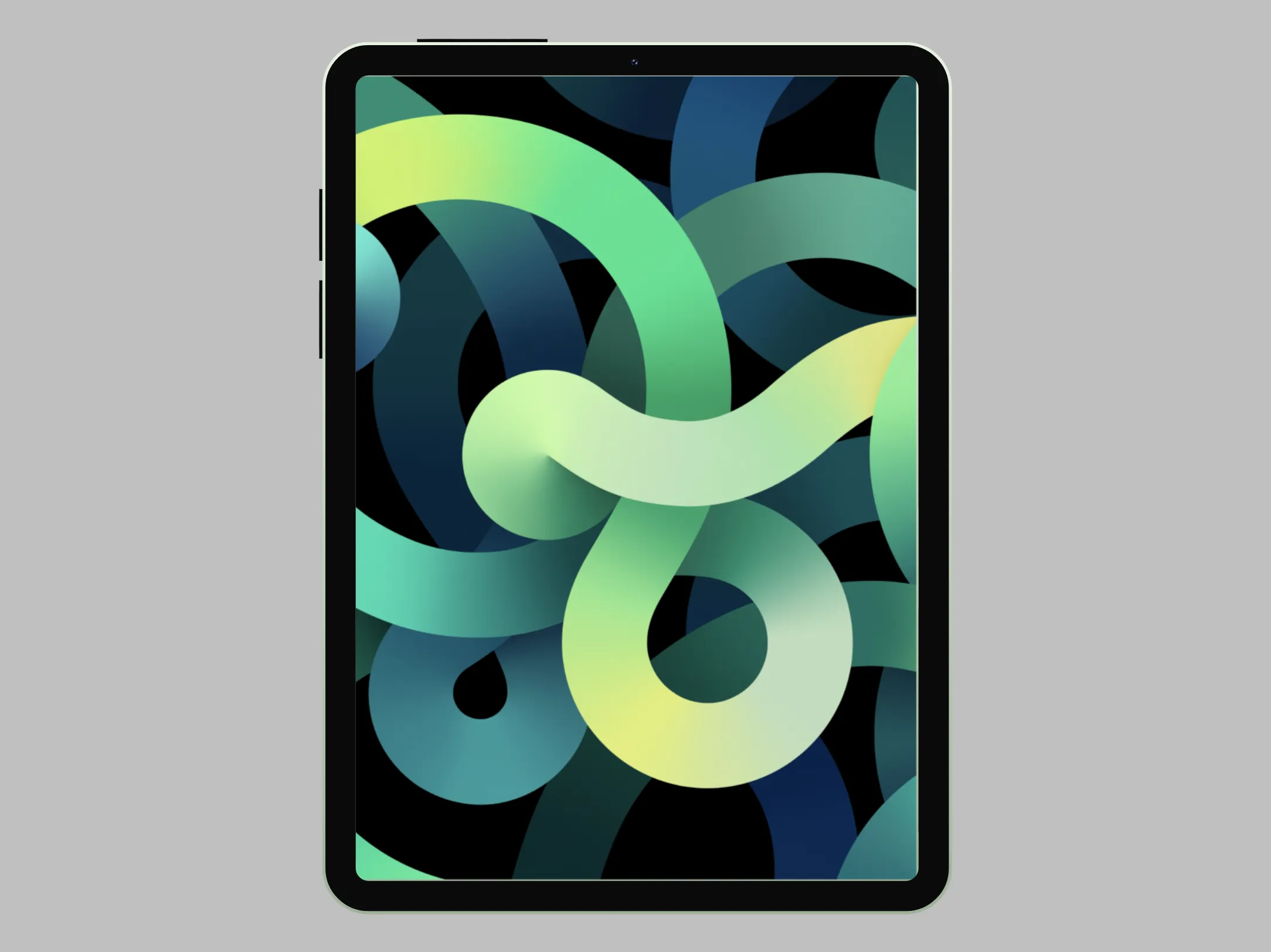
iPad Air
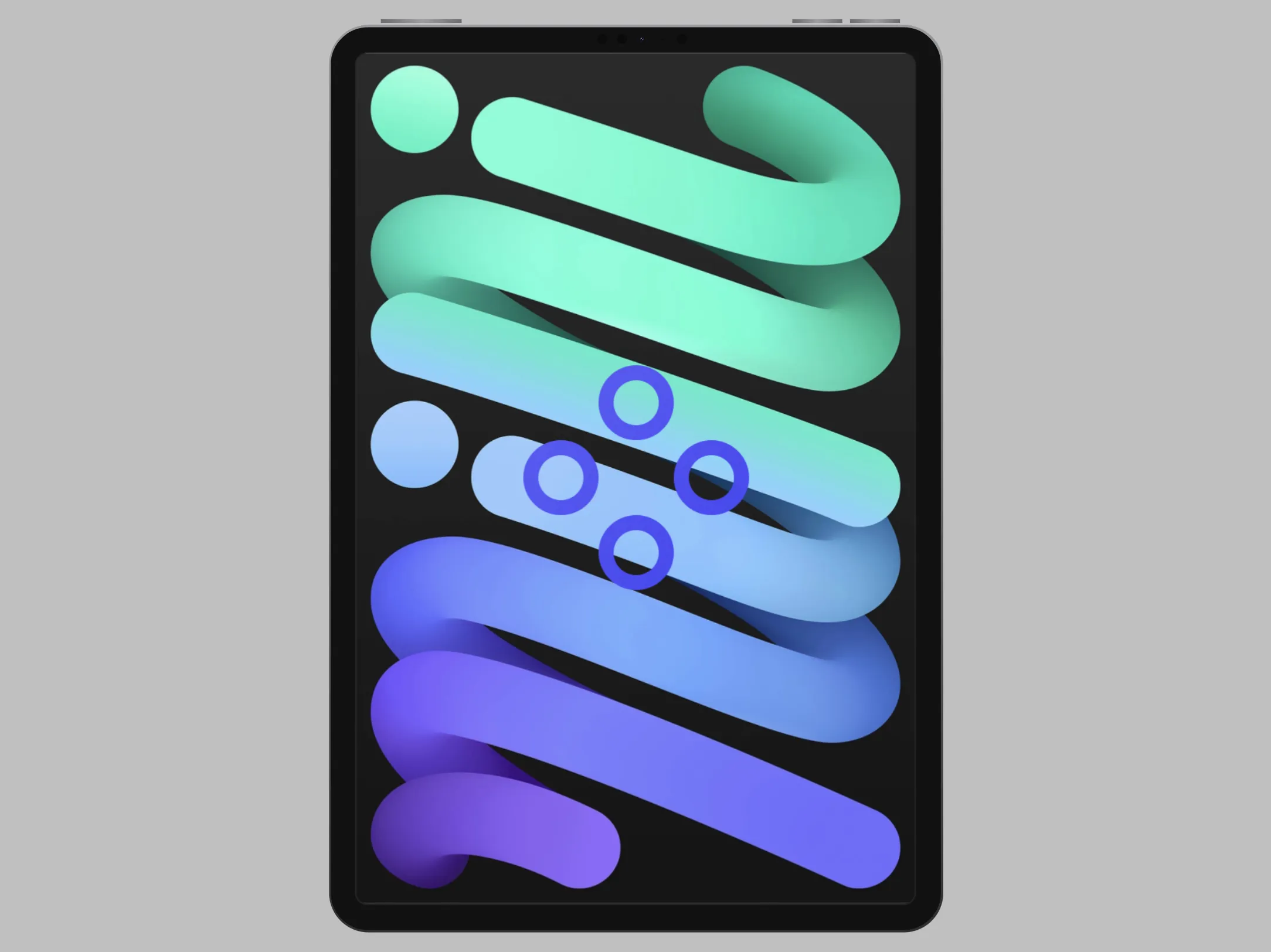
iPad Mini
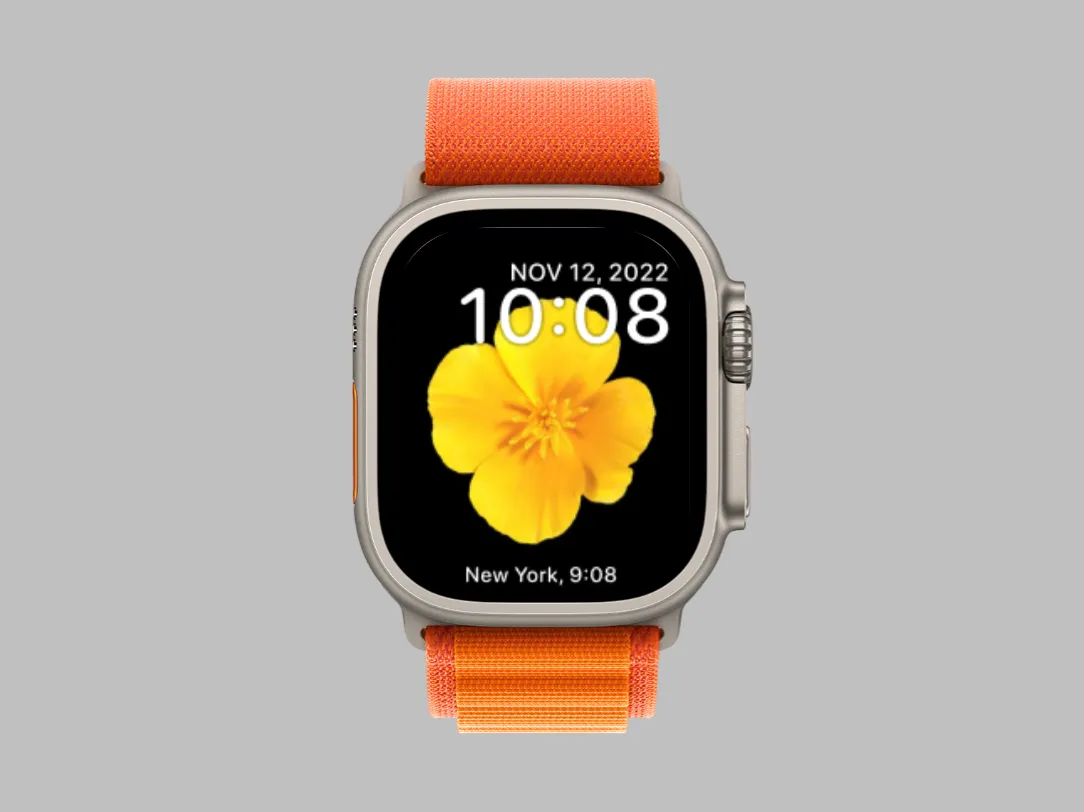
Apple Watch Ultra Orange
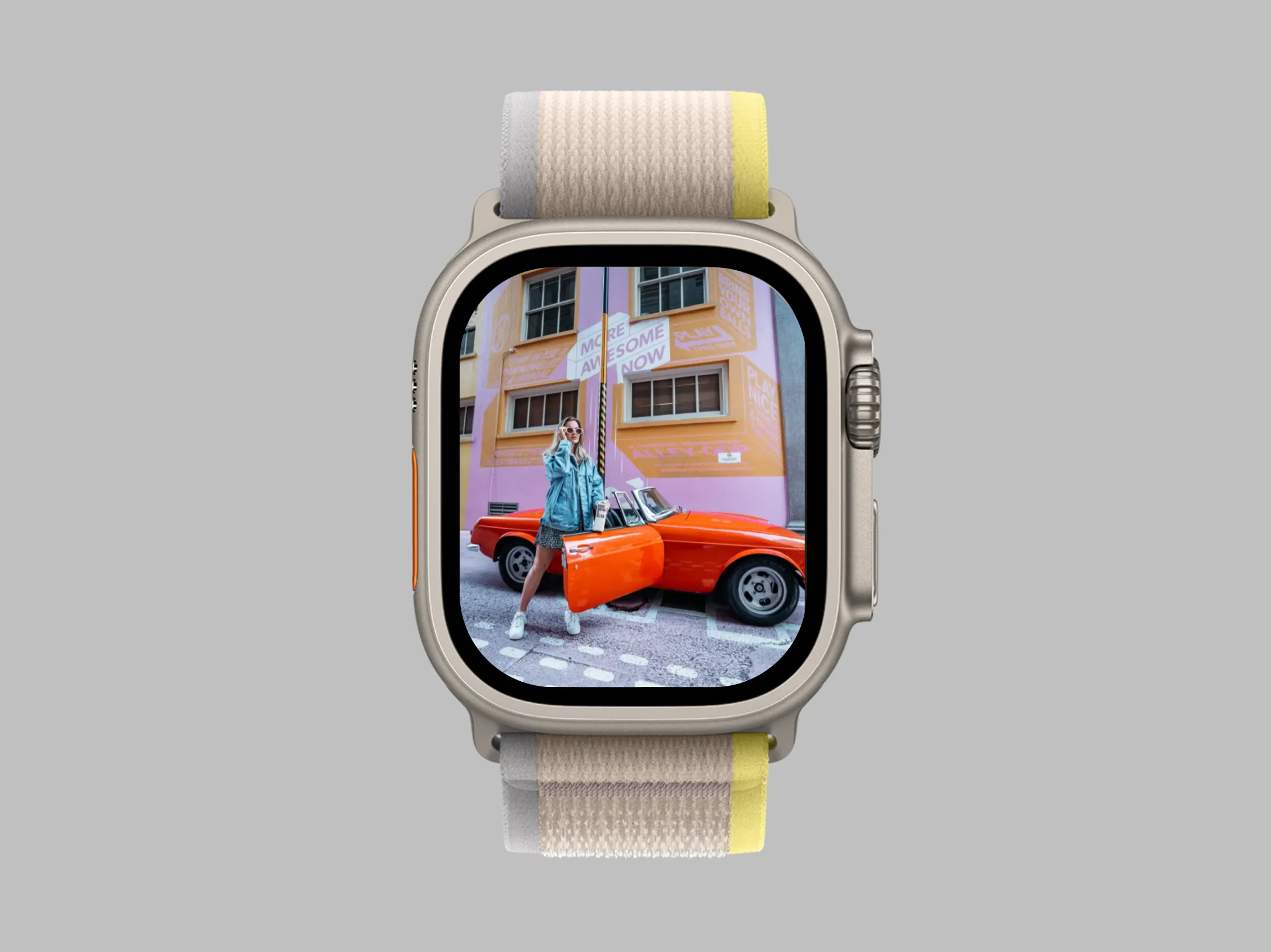
Apple Watch Ultra Yellow
TRANSFORMS
SHADOW
POSITION
iPhone Air Mockup Generator — Frame Screenshots in Apple's Thinnest iPhone
The iPhone Air is the most talked-about Apple design in years — and your screenshots can live in it today. Picbolt's iPhone Air mockup generator wraps your UI in the ultra-slim frame with its 6.5-inch display and Dynamic Island, faithful to the real hardware.
All four finishes are included: Space Black, Cloud White, Light Gold and Sky Blue, each in portrait and landscape. Because the frame is layered over your screenshot in the editor, you can restyle backgrounds, shadows and tilt at any time without starting over.
Export in PNG, JPEG, WebP or SVG at up to 4x resolution for App Store listings, launch tweets, Product Hunt galleries and anywhere else a fresh device makes your product look current.
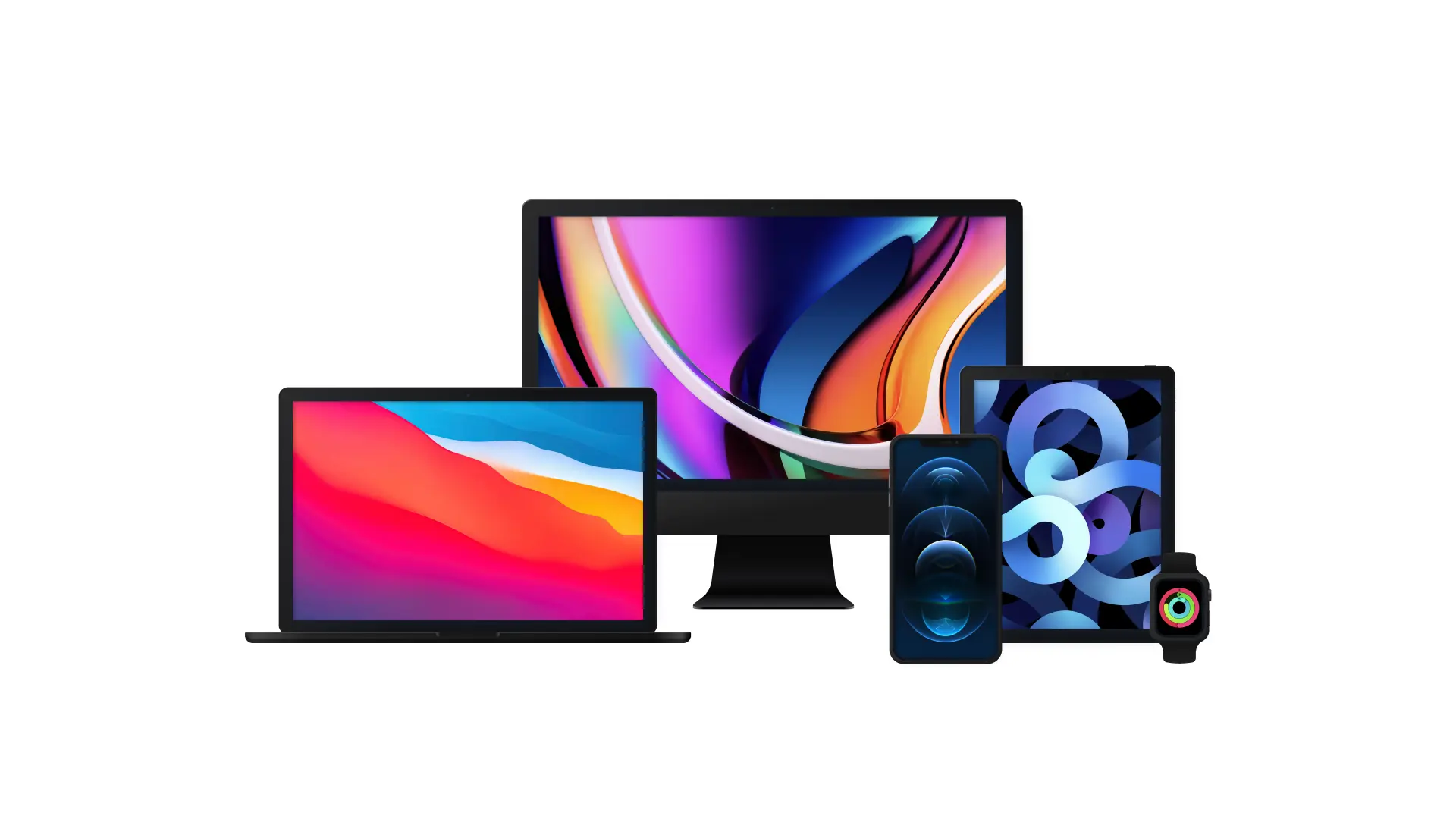
Create professional mockups in minutes with our easy-to-use interface. Simply upload your screenshots, customize the presentation, and export high-quality images ready for use in your marketing materials.
Watch our quick tutorial to see how easy it is to create stunning device mockups:
All device mockup templates
iPhone 17
iPhone 17 Pro
iPhone 17 Pro Max
iPhone Air
iPad Pro 11 (M5)
iPad Pro 13 (M5)
MacBook Air 13 (M5)
MacBook Air 15 (M5)
MacBook Pro 14 (M5)
MacBook Pro 16 (M5)
iPhone 16
iPhone 16 Plus
iPhone 15
iPhone 15 Pro Max
MacBook Pro 16
MacBook Pro 13
iPad Air
iPad Mini
Apple Watch Ultra Orange
Apple Watch Ultra Yellow